
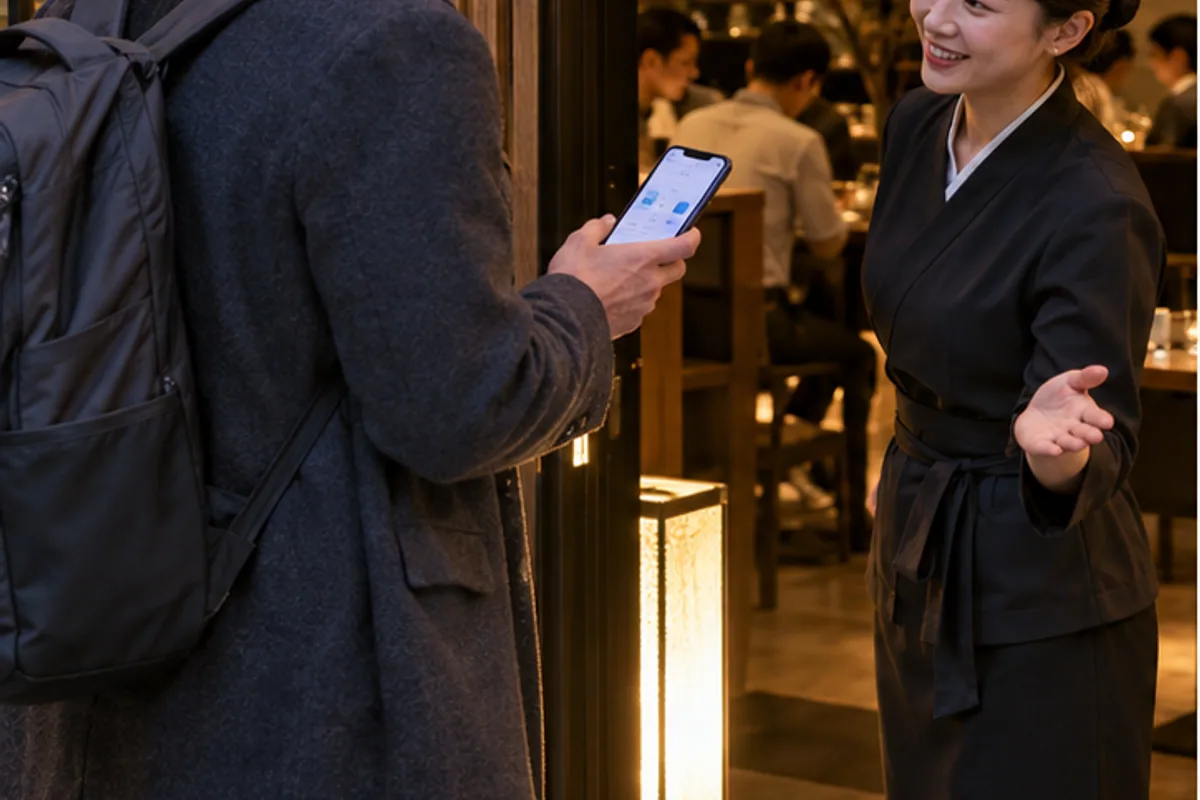
A Korean phone number is no longer the universal barrier it once was, but the correct method depends on the restaurant. Some venues accept a timed reservation, some offer a remote waitlist, and others allow only an on-site queue. The button shown on the restaurant page matters more than the app name.
For most short-term visitors, Catchtable Global is the first place to check. NAVER Map is the second useful route now that NAVER offers passport verification for eligible foreign passport holders.
Decide whether you need a reservation or a waitlist
A reservation assigns an available time and may require a deposit. A remote waitlist places your party in a live queue but still requires you to monitor the turn and arrive when instructed. An on-site waitlist means you must first reach the restaurant and use its tablet or QR process.
If there is no Reserve or Join Remote Waitlist button, do not assume the app is broken. The restaurant may not release tables through that method, may be full, or may operate only an on-site queue.
Route 1: Catchtable Global
Korea Tourism Organization's current guide says Catchtable Global allows foreign users to create an account through Google, Apple or email without a Korean phone number. It also supports deposits with cards issued outside Korea.
- Use the global website or global app, not a Korean-only login screen.
- Search the restaurant and confirm the branch, because popular brands can have several locations.
- Choose Reserve, Join Remote Waitlist or follow the on-site instructions shown.
- Read the party size, deposit, cancellation and late-arrival conditions.
- Save the confirmation and monitor the email or app status.
A deposit is not an extra meal fee in every case; it may be held or applied according to the restaurant's rules. Read the specific cancellation deadline. Missing the arrival window can lead to cancellation or loss of the deposit.
Route 2: NAVER Map with passport verification
NAVER announced passport verification in June 2026 for users with passports issued outside Korea. The company says verified foreign users can access supported NAVER Map bookings, orders and payments without a Korean mobile number.
This does not mean every NAVER listing becomes bookable. The restaurant must offer the relevant NAVER service, and rollout or language support can vary. Complete verification only inside the official NAVER flow. Do not upload a passport image through a chat message sent by an unknown account.
Search by branch, date and party size
Restaurant names are often translated in several ways. Confirm the Korean address, neighborhood and branch photo. A reservation at a Gangnam branch does not transfer to a Hongdae branch with the same brand.
Enter the real party size, including children if the system asks. A two-person table may not accept a third guest at the door, and some tasting menus have age restrictions or fixed seating times.
If no times appear
First change only one variable: date, time or party size. Some restaurants release inventory on a schedule; others are simply sold out. The platform cannot create a table that the restaurant has not released.
Look for these alternatives:
- A different branch of the same restaurant.
- Lunch instead of dinner.
- A remote or on-site waitlist instead of a timed reservation.
- A hotel concierge request when the restaurant accepts telephone bookings.
Do not pay an individual on social media who claims to sell a transferable restaurant slot. The name, deposit and cancellation rights may not transfer.
When an overseas card fails
Confirm that you are in the global payment flow and that overseas online transactions are enabled. Complete the bank's authentication step and return to the app to confirm the booking. A bank notification alone is not a reservation confirmation.
If the charge is pending but the reservation is absent, avoid repeated payments. Capture the error, check the booking list and contact the platform or card issuer. Deposits and reversals can take time to display according to the bank.
What to save before the meal
- Restaurant name and branch address in Korean.
- Reservation date, time and party size.
- Confirmation number or QR code.
- Deposit and cancellation conditions.
- Instructions for late arrival or remote waitlist check-in.
Arrive earlier than the stated cutoff, especially in a large mall or complex building. "At the building" and "checked in at the restaurant" are not the same event.
Dietary requests need a separate confirmation
A successful reservation does not prove that the kitchen can accommodate an allergy, religious restriction or vegetarian request. Write the restriction plainly in the booking note if the platform offers one, then contact the restaurant through its official channel. For a serious allergy, carry a translated card naming the ingredient and cross-contact concern. Do not rely only on an automatically translated menu label.
If the restaurant uses only an on-site tablet
Go to the correct branch, select the available language if offered, enter the contact method accepted by that queue and keep the queue screen open. Ask staff how the alert works for a foreign visitor. Do not walk far away unless the estimated wait and return rule are clear.
If the system truly requires a domestic number and offers no foreign-user path, ask the restaurant whether staff can register the party or whether a hotel can call. Do not enter a random Korean number; the alert could go to another person and you may miss the turn.
The reliable order of attempts
Check Catchtable Global first, then the verified NAVER Map listing, then the restaurant's own site or hotel concierge. Call only when the restaurant publishes a telephone reservation path. This sequence avoids buying a Korean number for a problem that the global services already solve.